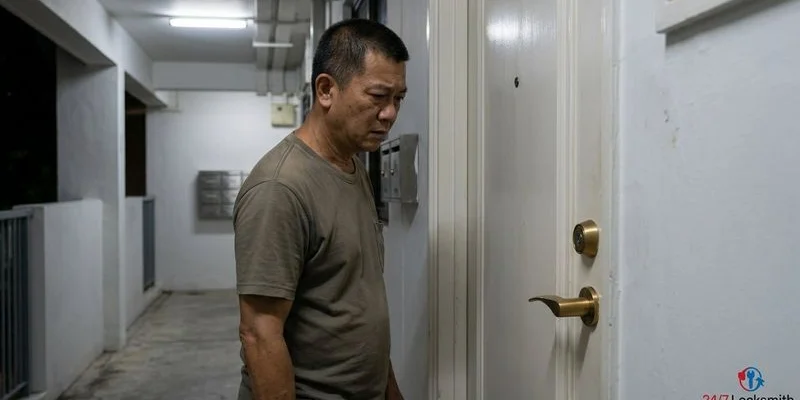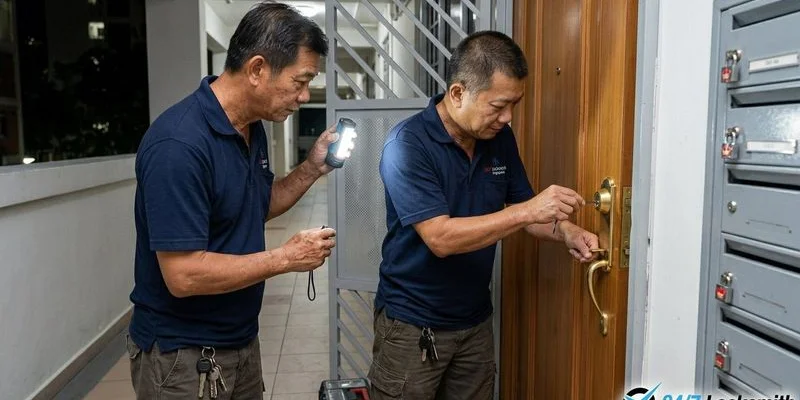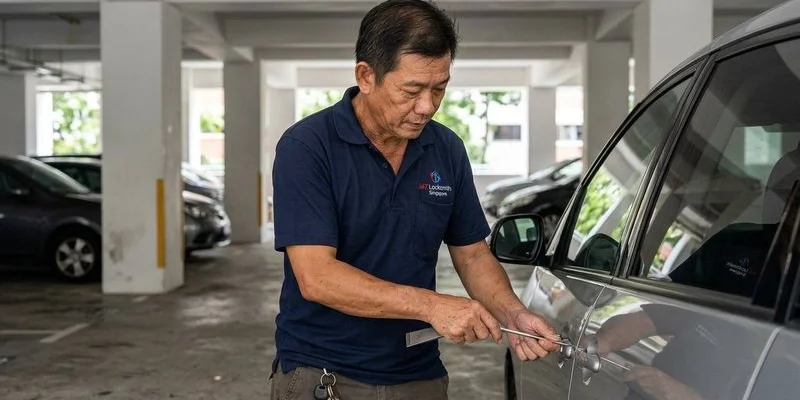
What to Do When Locked Out of Your Smart or Digital Lock
We see a clear pattern with modern access systems across Singapore properties. As a trusted locksmith in Singapore, we know that upgrading to a keyless entry system usually solves the daily hassle of lost keys. Those same high-tech devices introduce a completely different set of lockout scenarios that catch property owners off guard.
Our team receives countless calls every week regarding these specific access emergencies.
Figuring out What to Do When Locked Out of Your Smart or Digital Lock depends entirely on the exact symptom your device displays. The following guide breaks down the five most common scenarios and walks you through the exact workarounds professional technicians use in the field.
Scenario 1: Dead Battery
We rank dead batteries as the single most frequent cause of digital lock failures in HDB flats and condos. Your device might beep loudly, the keypad may light up briefly, and then the entire system shuts down.
This complete lack of response means the power cells have fully drained. Our technicians find that standard batteries usually last six to eight months under normal daily use.
What to Do
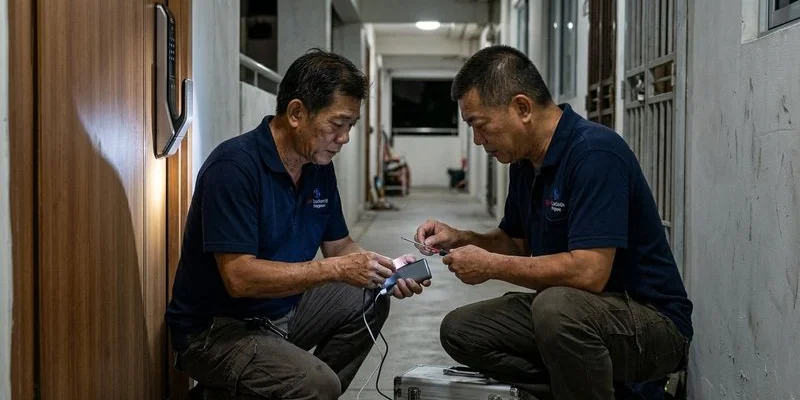
You can bypass a dead battery using the emergency power terminals located on the exterior panel. Nearly every digital lock sold in Singapore features two small metal contact points, usually hidden at the bottom of the unit.
Our field kit always includes a fresh 9V battery for exactly this situation. Follow these specific steps to regain entry:
- Purchase a standard rectangular 9V battery from a nearby 7-Eleven or provision shop.
- Hold the two battery contacts directly against the emergency power terminals on the lock.
- Maintain firm pressure while you enter your PIN code or scan your registered fingerprint.
- Open the door immediately once the lock temporarily powers up.
We strongly recommend swapping the old batteries for fresh alkaline ones the moment you get inside. Premium brands like Energizer or Duracell provide the consistent voltage required for motorised deadbolts.
Some newer models like the Xeno Alexi Pro or Philips skip the 9V terminals entirely. If you are considering a digital lock installation, our team advises checking the user manual first, as these modern units often require a 5V power bank connected via a USB-C port at the base.
Keeping a spare set of four AA batteries inside your home acts as the cheapest insurance against a repeat lockout. Using the emergency physical key remains a viable backup if you cannot source external power.
Scenario 2: Forgotten PIN Code
We often assist clients who recently changed their passcode and simply cannot recall the new digits. A family member might also update the security settings without notifying everyone in the household.
These communication gaps lead to frustrating lockouts right outside your front door.
What to Do
Our first troubleshooting step involves trying common PIN variations. Human memory often plays tricks on us immediately after setting a new sequence.
Consider these common mistakes before taking drastic measures:
- Reversed digits (entering 8765 when you meant to set 5678).
- A sequence you use elsewhere (like a bank card PIN or phone unlock code).
- The default factory PIN (many Samsung locks use 1234 or 4560852580 as standard defaults).
We always test alternative access methods before declaring a total lockout. Most modern digital locks support multiple ways to bypass the keypad.
Check for these common backup options:
- Biometrics and tokens: Your fingerprint or a registered RFID key fob might sit right in your wallet.
- Mobile access: Our technicians suggest checking your smartphone app to see if you can trigger the lock via Bluetooth.
- Manual override: The emergency physical key serves as the ultimate failsafe.
We will need to perform a hard factory reset if every single access method fails. This procedure typically requires physical access to the interior panel of the lock.
You must call a professional emergency locksmith at this stage. Our crew can open the door using the emergency key override or specialised bypass techniques, and then help you properly reconfigure the device.
Samsung reports that up to 30% of hacked locks kept the default 1234 master code, so always set a unique PIN after a reset.
Scenario 3: Fingerprint Not Recognised
We frequently see biometric scanners fail in Singapore due to the extreme local climate. A fingerprint reader that worked perfectly yesterday might completely reject your scan today.
This sudden failure happens more often than most property owners expect.
Common Causes
Our tropical humidity plays a massive role in biometric reading errors. The following factors frequently disrupt the scanning process:
- Moisture: Wet or sweaty fingers alter the ridges of your print.
- Physical damage: Even a tiny paper cut changes your biometric pattern enough to trigger a rejection.
- Residue: Dust, natural skin oils, or cleaning chemical grime block the sensor.
- Wear and tear: People who work extensively with their hands may have worn fingerprints that fade over time.
Immediate Solutions
We suggest a few quick troubleshooting steps to clear basic sensor errors. Dry your hands thoroughly on your clothing and execute these actions:
- Wipe the scanner: Clean the sensor window with a dry, microfiber cloth.
- Switch digits: Test a different registered finger, as our installation experts always register at least three different fingers per user.
- Use a backup: Fall back on your PIN code or RFID card to get inside.
- Deep clean: Remove stubborn grime using a cotton swab lightly dampened with 70% isopropyl alcohol.
We provide comprehensive door lock repair for systems with persistently failing biometric readers. A professional cleaning and recalibration restores factory-level accuracy to older optical sensors.
Scenario 4: Lock Displays an Error Code
We advise customers not to panic when their digital lock starts flashing unfamiliar lights. Specific error codes and beep patterns point directly to the underlying malfunction.
Samsung models, for example, often display FL, dE1, or dC1 codes to indicate a severe door lock failure. Our technicians use these visual and audio cues to diagnose the issue before touching the hardware.
Refer to this quick diagnostic table for the most frequent warning signs:
| Symptom | Likely Cause | Required Action |
|---|---|---|
| Continuous rapid beeping | Critical low battery warning | Replace all 4 or 8 AA batteries within 24 hours |
| Red flashing light | Security lockout from multiple failed attempts | Wait 3 to 5 minutes, then enter the correct PIN |
| No response or screen activity | Completely dead power cells | Apply a 9V battery to emergency power terminals |
| Motor grinding sound but bolt stays put | Misaligned deadbolt or jammed internal mechanism | Stop immediately and call a professional locksmith |
| Alternating high and low beeps | System software conflict or glitch | Perform a soft reset by removing batteries for 30 seconds |
We strictly warn against forcing the door handle if you hear the motor running without the bolt retracting. The deadbolt might sit misaligned against the strike plate due to door expansion from humidity.
Pushing against a stuck mechanism can strip the internal gears and ruin an expensive unit. Our emergency dispatch line is available at +65 8243 2440 for immediate, on-site assistance.
Scenario 5: Lock After a Power Surge or Thunderstorm
We handle numerous repair requests following heavy lightning activity across the island. Singapore experiences intense thunderstorms that generate massive electrostatic discharges.
Digital locks run on independent battery power, but lightning strikes can send stray currents travelling straight through metal HDB gate frames. Our teams notice these surges temporarily scramble the delicate power management chips inside the lock housing.
Resetting the System
We recommend a sequential reboot if your device behaves erratically after a major storm. Follow these precise steps to clear the electrical fault:
- Remove the battery cover and extract all power cells from the compartment.
- Wait a full 60 seconds to allow the internal capacitors to drain completely.
- Reinsert the batteries while paying strict attention to the polarity symbols.
- Test every single access method, including your PIN, fingerprint, and RFID card.
We will need to perform a complete factory reset if the device continues to malfunction. A power surge occasionally corrupts the saved user data, wiping out registered credentials.
Preventing Digital Lock Lockouts
We believe in proactive maintenance to eliminate the stress of an unexpected lockout. Simple habits make a massive difference in the lifespan and reliability of your smart access system.
Based on years of servicing units from Yale, Samsung, and Singgate, these are the preventive measures that actually work. Our technicians recommend applying these rules to every digital setup in your home.
Best Practices for Reliability
We instruct all our clients to follow a strict maintenance schedule. Implementing these steps prevents the vast majority of emergency service calls:
- Replace batteries proactively: Swap them out the moment the low-battery warning appears. Never mix old and new cells, as this creates voltage imbalances that fry circuits.
- Diversify biometric data: Register at least three fingerprints per person, ideally utilising both index fingers and one thumb.
- Secure the physical key: Hide your emergency key in a secure location outside your primary residence, like an office drawer or a trusted relative’s house.
- Document access codes: Store your master PIN securely in a digital password manager.
- Clean sensors regularly: Wipe the fingerprint scanner monthly with a soft, dry microfiber cloth.
- Prepare an emergency kit: Keep a fresh Energizer 9V battery in your car glovebox or office desk.
We provide an extensive breakdown of long-term care strategies in our digital lock maintenance guide. Reviewing those protocols will help you maximise your investment.
What to Do When Locked Out of Your Smart or Digital Lock: When to Call a Locksmith
We fully support DIY troubleshooting, but certain situations demand professional intervention. Tinkering with a jammed mechanism can turn a simple realignment job into a total hardware replacement.
You should request immediate technical support under these specific conditions:
- You have exhausted every working access method and cannot locate a backup power source.
- The motorised bolt refuses to retract even though you hear the internal gears grinding.
- The lock screen flashes persistent error codes that survive a full power cycle.
- You require a complete factory reset but cannot open the door to access the interior panel.
We specialise in non-destructive entry for all major security brands across the country. Every service van carries an inventory of 9V batteries, specialised bypass tools, and replacement biometric sensors for immediate on-site repairs.
Our dispatch centre coordinates emergency responses 24 hours a day, every day of the week. Reach out to our rapid response team directly at +65 8243 2440 for fast relief.
Fast Solutions for Digital Lockouts
We know that facing a locked door at the end of a long day feels incredibly stressful. Finding out exactly What to Do When Locked Out of Your Smart or Digital Lock saves you time, money, and unnecessary panic.
Our team stands ready to assist you when DIY methods fail. Contact us today to restore your access quickly and safely.
Need Locksmith Help?
Our team is available 24/7 for emergency lockouts and lock services across Singapore.
WhatsApp +65 8243 2440